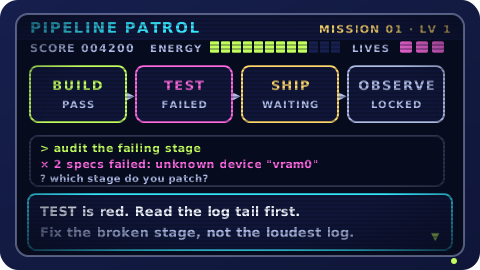
01 / DevOpsLevel 1 · Starter
Pipeline Patrol
Read a failing pipeline, find the stage that broke, and ship the fix.
Our Apps · Game Suite
Real commands, real failure modes, and a reset button: six games that turn the tools you run every day into muscle memory. No dry manuals, no damage to production.
Developer previewLevels are being built in the open — new missions land regularly.
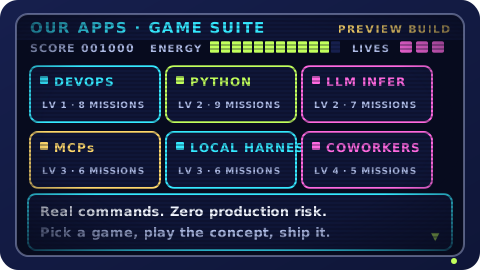
The suite
Each game covers one area the job keeps asking for, and each mission is a working system that needs you to fix something.
Read a failing pipeline, find the stage that broke, and ship the fix.
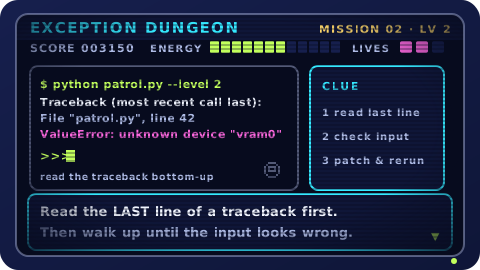
Read a traceback, patch the bug, and get the script green again.
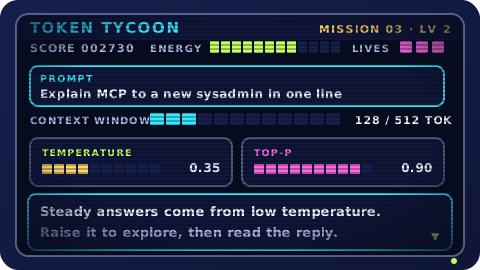
Tune temperature, top-p, and context until the model answers well.
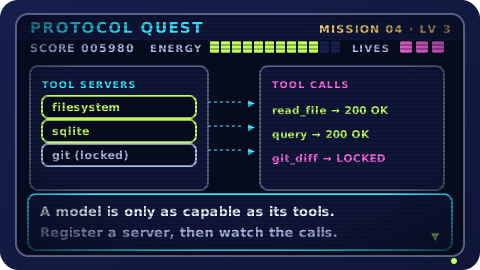
Register tool servers and watch a model call them over MCP.

Load a quantised model locally and keep it inside your VRAM budget.
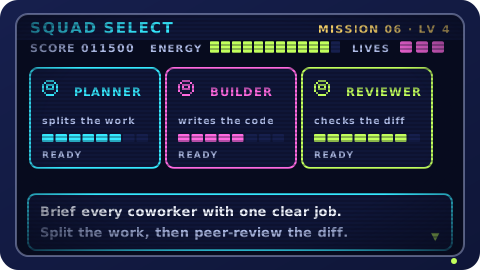
Brief a crew of AI coworkers and split the work without collisions.
How it works
Reading documentation teaches you the words. Poking at a live system teaches you the reflexes — what to check first, what to leave alone, and what breaks when you turn one knob.
Start where you are: a penguin-simple pipeline, a thorny traceback, or a prompt that needs tuning.
Every puzzle runs on a throwaway system. Run real commands, flip the wrong switch on purpose, watch what happens.
Short missions, scoreboards, and replays turn one-off fixes into reflexes you use on the job.
Why games
Production is a terrible classroom: the feedback is slow and the stakes are high. Games give you the same problems with a reset button.
Everything you practise maps onto a tool you already run: CI pipelines, Python, inference servers, MCP tool servers, and local harnesses.
Each level fits in a coffee break and teaches one concept properly, with a scoreboard that shows what actually stuck.
Mistakes cost a mission, not an outage. Replay any level until the fix feels obvious.
Ready, player one?
Pick any game above, finish one level, and see how much of the concept lands when you have to use it.
Our Discord applications link to the terms and privacy pages above, so you always know what you are agreeing to.